Tools Used
- OPNsense Firewall
- Unbound DNS Resolver
- System Time Sync (NTP)
- Diagnostics: DNS Lookup, Ping, NTP Status
Steps Taken
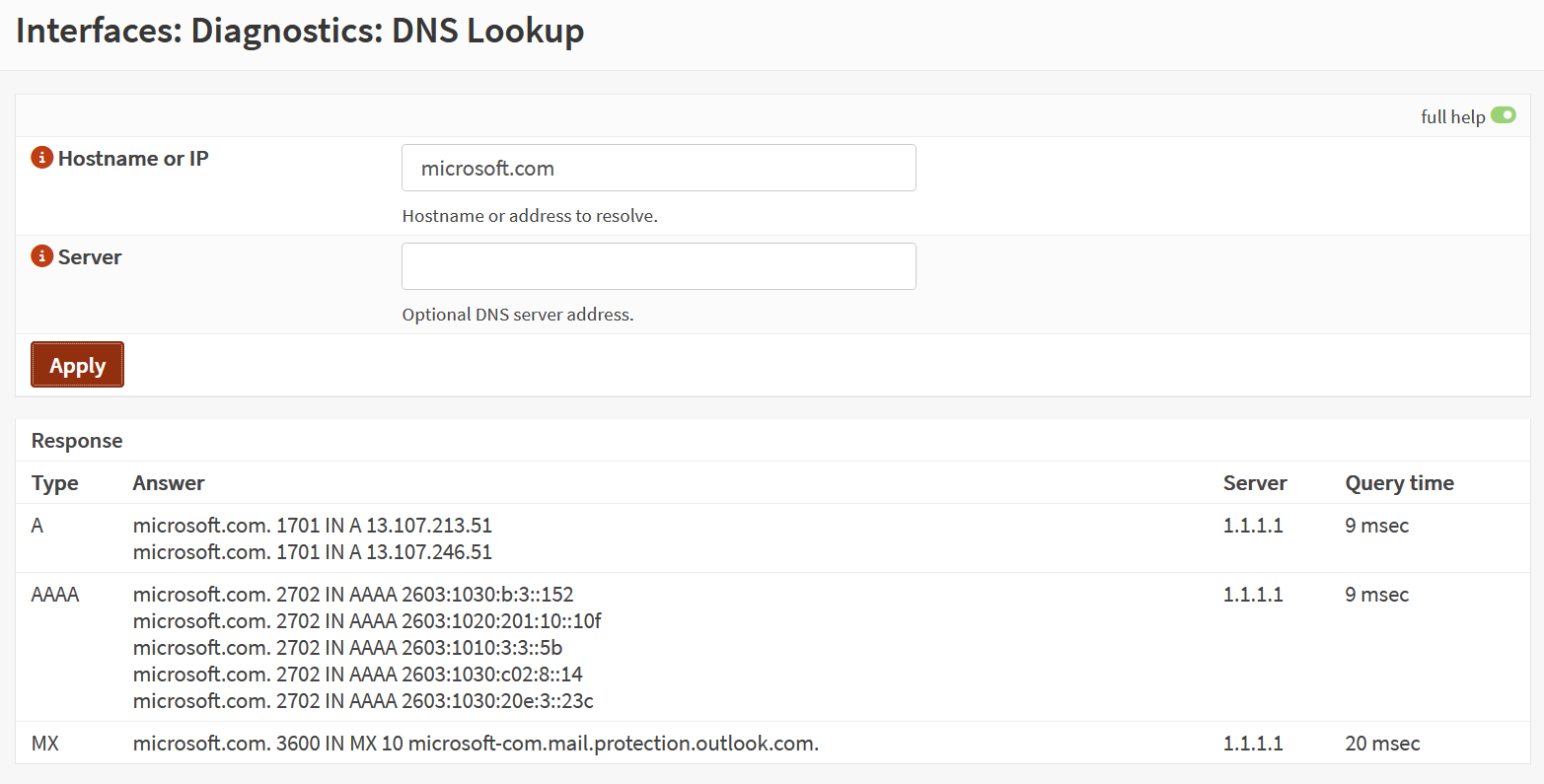
- Verified DNS resolution using Diagnostics → DNS Lookup (queried microsoft.com).
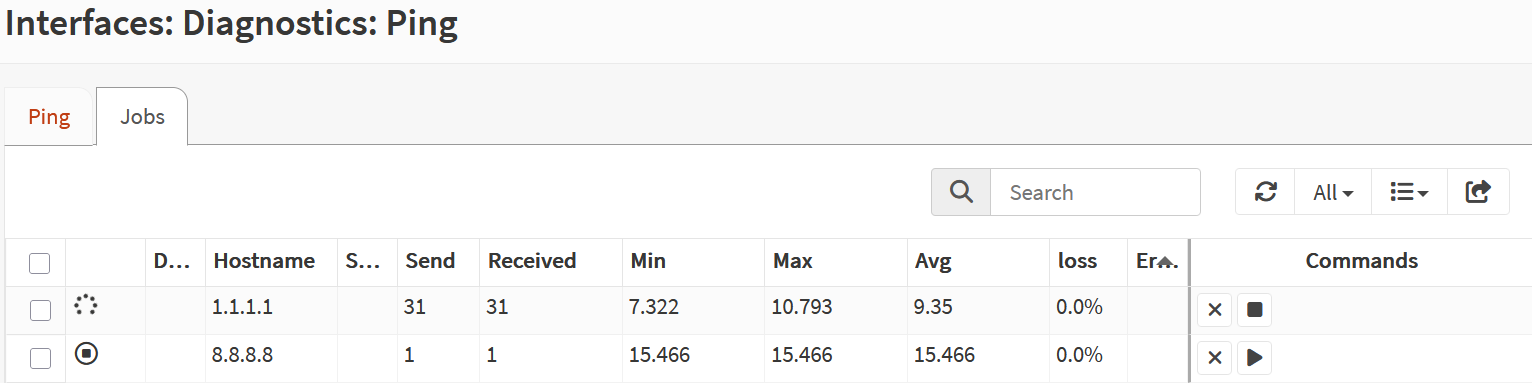
- Confirmed upstream DNS servers were reachable via Diagnostics → Ping.
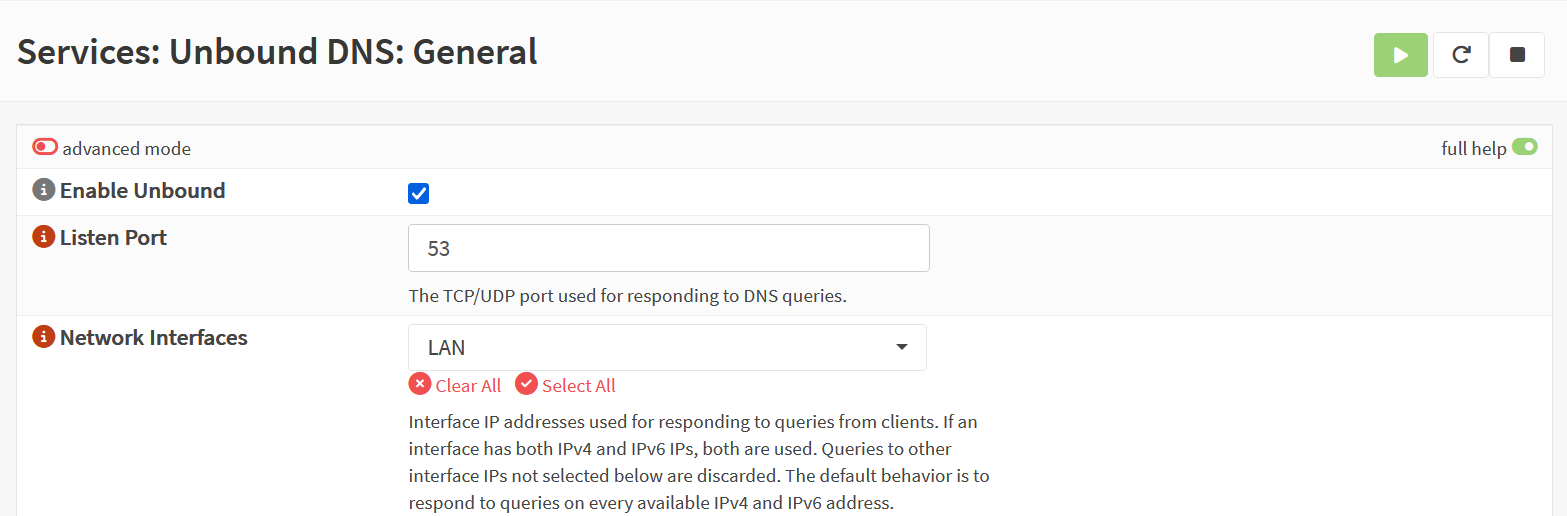
- Ensured Unbound DNS Resolver was active and listening on LAN.
- Checked System → Settings → General for correct DNS server entries.
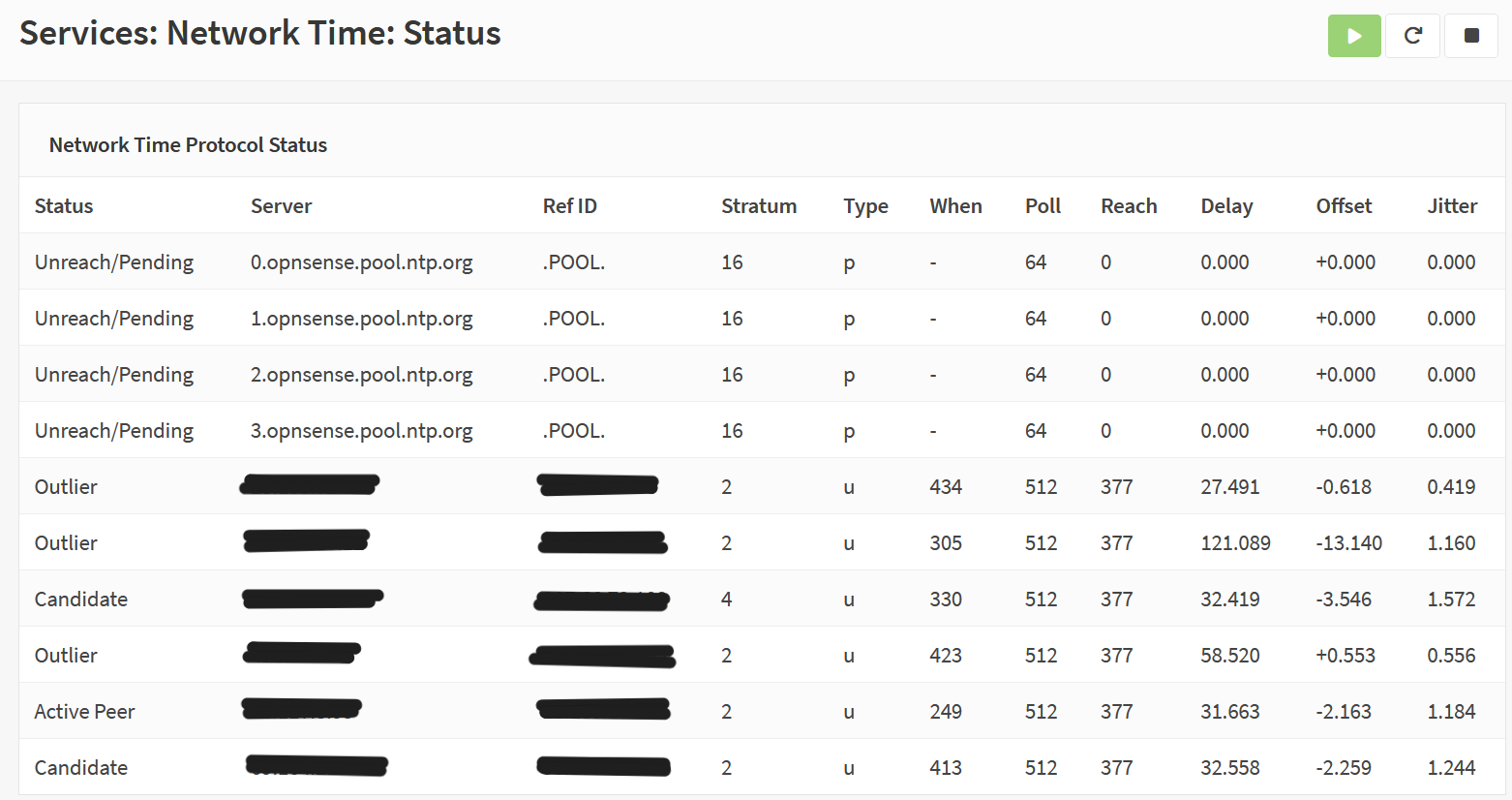
- Validated NTP sync via System → Settings → Time and Diagnostics → NTP Status.
- Confirmed system time was accurate and synchronized with upstream NTP servers.
Screenshot: DNS Lookup
Screenshot: Ping to DNS Server
Screenshot: Unbound DNS Status
Screenshot: NTP Sync Status
Screenshot: System Time Settings

Outcome
DNS resolution and time synchronization validated successfully. Firewall is now ready for policy enforcement, logging, and audit-ready operations. This step ensures that all future security events are timestamped accurately and that upstream services are reachable.