Lab 5 – Kusto Query Language (KQL)
SC-200: Microsoft Security Operations Analyst
Overview
Built KQL query skills using the Microsoft Sentinel Training Lab workspace and Microsoft Learn exercises. Covered basic statements through advanced multi-table joins, data visualization, and string manipulation — all foundational skills for writing detection rules and hunting queries in Sentinel.
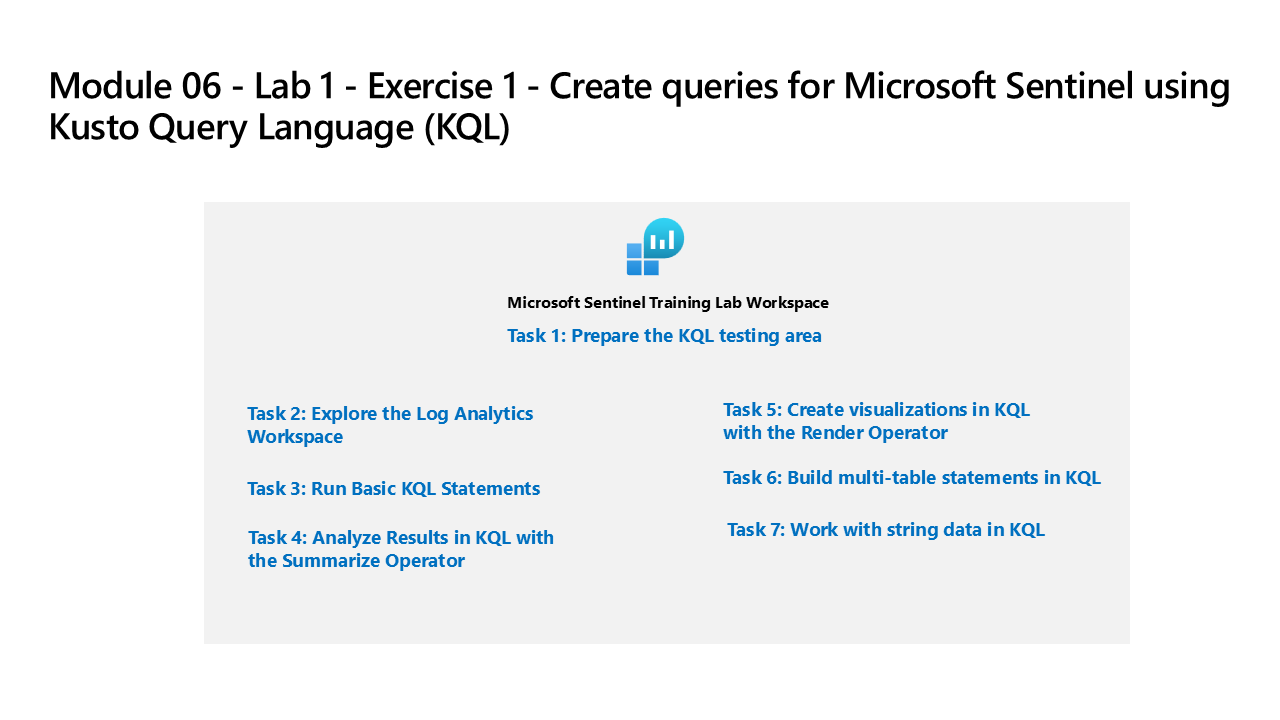
Tasks Completed
- Connected to the Microsoft Sentinel Training Lab workspace in Log Analytics
- Explored workspace tables and reviewed available log data schemas
- Ran basic KQL statements: take, count, let, where, project, sort, top
- Used the summarize operator to aggregate data by field values and time bins
- Created data visualizations using the render operator (timechart, barchart, piechart)
- Built multi-table statements using join and union operators
- Worked with string data using extract, parse, split, and strcat functions
- Connected to Log Analytics resources and ran introductory KQL queries via Microsoft Learn exercises
- Used the take operator and count to return and evaluate row sets from security tables
Environment: Employer-provided Azure subscription (resources deleted after lab).
Source Material
Completed using Lab 5 – Exercise 1: Create KQL Queries for Microsoft Sentinel from the SC-200T00A MicrosoftLearning GitHub repository; and Microsoft Learn exercises Connect to Resources, Return Rows with the Take Operator, Query Data Setup, and Visualize Data in Sentinel. Completed in an employer-provided Azure subscription.